Manual & guides

App settings.

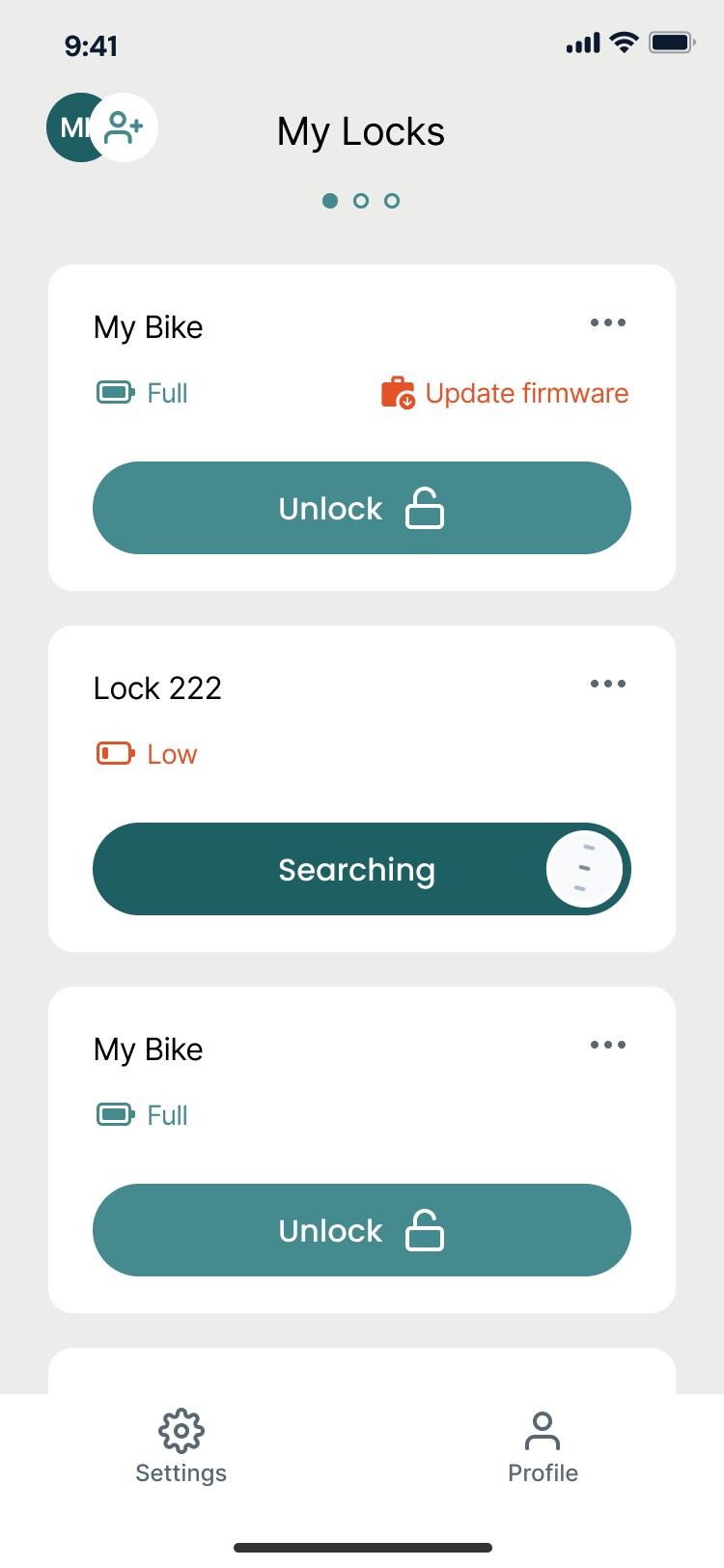
  1. See your locks.

    See your locks and their battery levels in LAAS.

    See your locks.Enlarge ↗
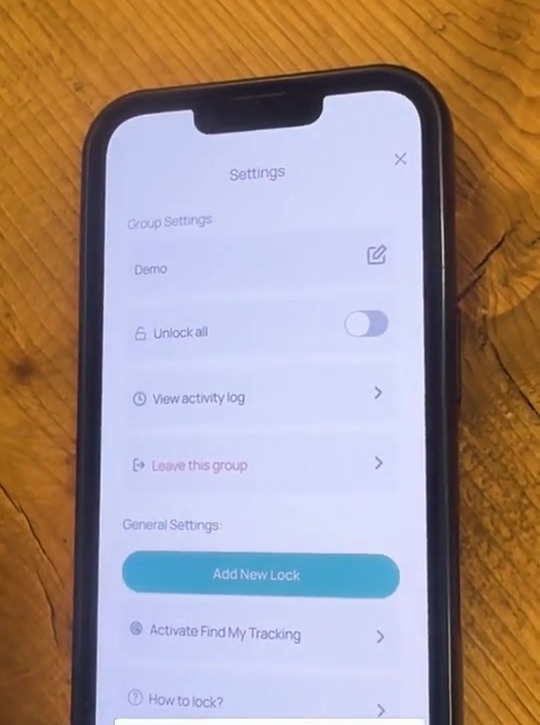
  2. Open Settings.

    Use Settings to manage your lock groups and preferences.

    Open Settings.Enlarge ↗
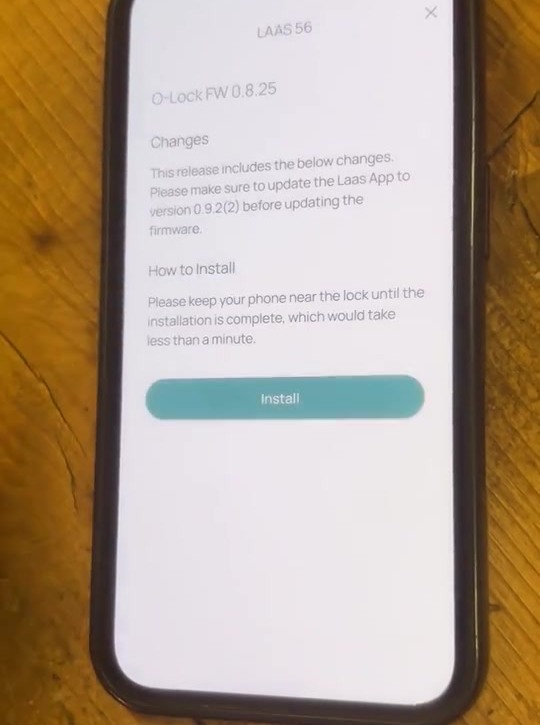
  3. Update when prompted.

    When the app offers a firmware update, follow the instructions on screen.
    Update when prompted.Enlarge ↗

Video guide

Read the steps