LAAS

FOR LAAS OWNERS

Manual
& guides.

01

Set up the LAAS app

Watch: Set up the LAAS app

Download the LAAS app →

  1. Download and open the LAAS app. Allow Bluetooth access when your phone asks.
  2. Stand beside your lock and enter its 8-digit serial number.
  3. Give your lock a name and follow the remaining on-screen steps.

No forced login. Optional Apple or Google sign-in lets you recover access on a replacement phone.

02

Apple Find My

Watch: Apple Find My
  1. Locate the button on the side of your lock and press it three times.
  2. The LED starts blinking. Pairing mode stays active for ten minutes.
  3. Open Apple Find My on your iPhone. Go to Items, tap +, then Add Other Item.
  4. Select Ring-Lock when it appears, tap Connect, and follow the on-screen steps.

Use Find My to locate your bike. Unlock with LAAS. The two apps are set up separately.

03

Mount with frame holes

Watch: Mount with frame holes
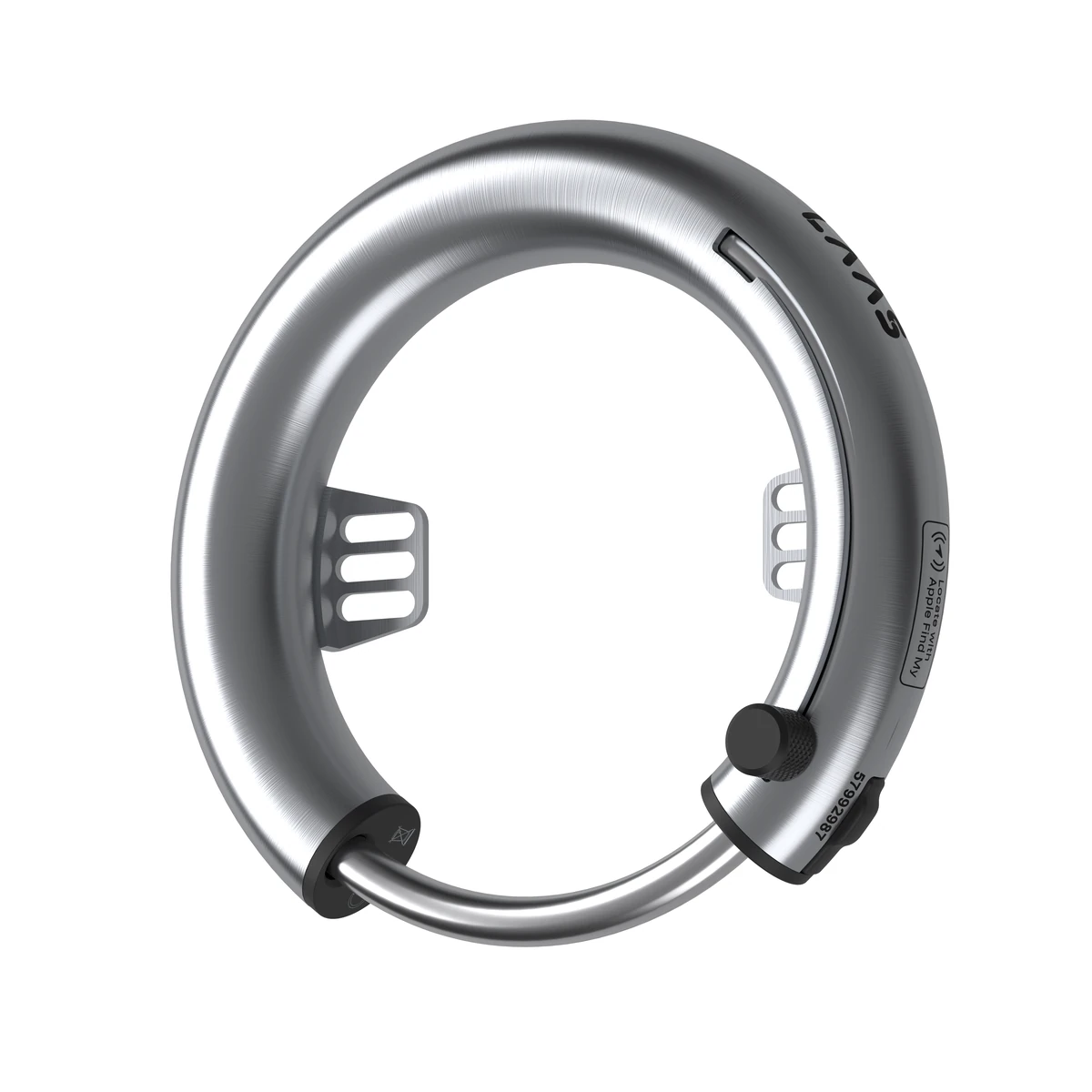
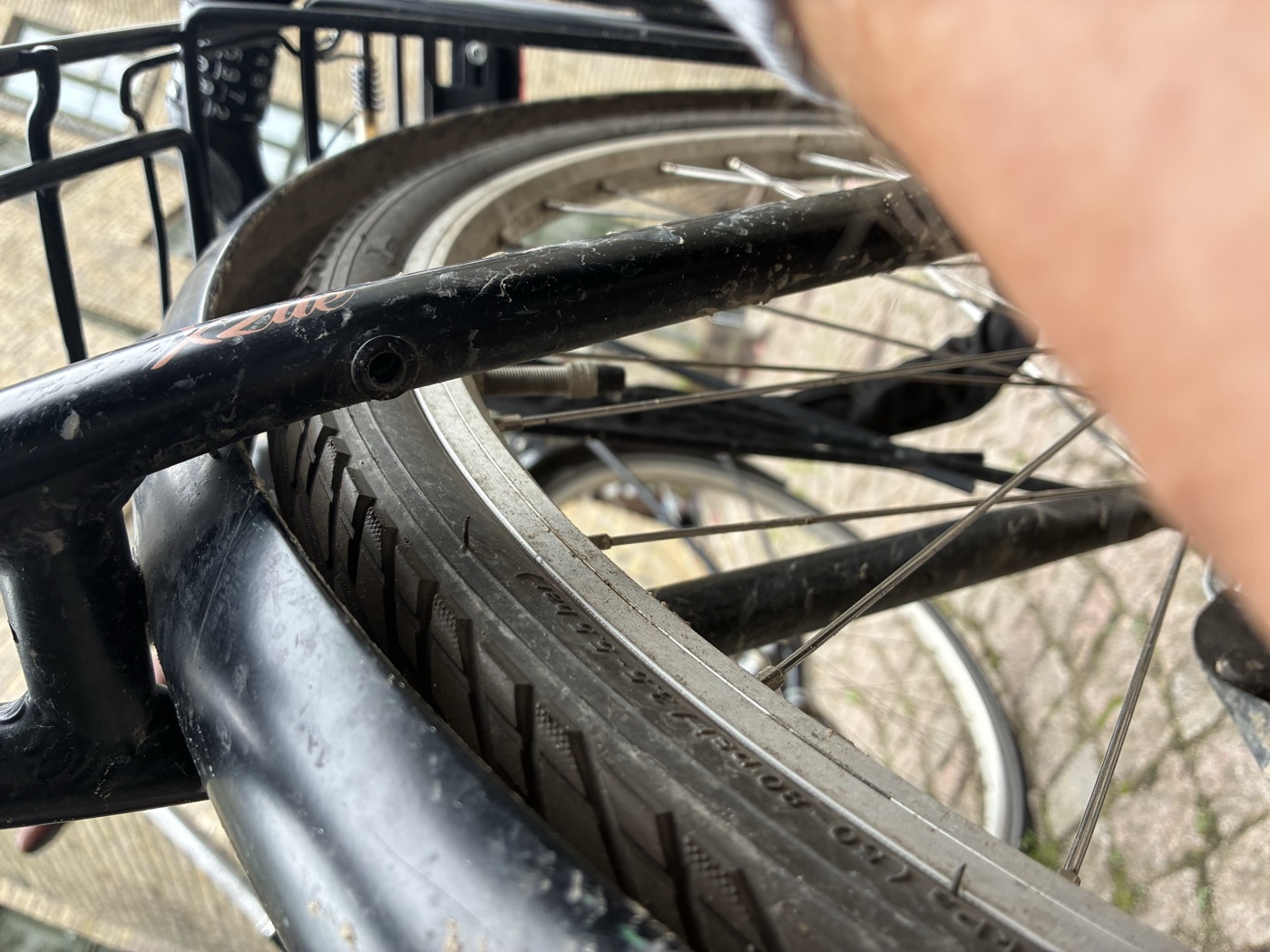
  1. Line up the lock brackets with the frame’s mounting holes. Choose the bracket holes that give the lock enough height above the tire.
  2. Insert the supplied M5 screws.
  3. Align the lock and tighten the screws with a 4 mm hex key.

Use the included M5 screws and a 4 mm hex key (not included). Check tire clearance before riding.

04

Fit with Flex Mount

Watch: Fit with Flex Mount
  1. Place the metal nuts into the slots inside the Flex Mount brackets. Loosely attach the brackets to the lock with the M5 screws and a 4 mm hex key. Do not tighten yet.
  2. Gently bend the plastic clamp strips so they will wrap around the frame.
  3. Wrap the strips around the frame. Insert the plastic screws and tighten slightly with a flathead screwdriver. Leave enough movement to adjust the lock.
  4. Centre the lock and check the tire clearance. Tighten the M5 screws, then tighten the plastic clamp screws.
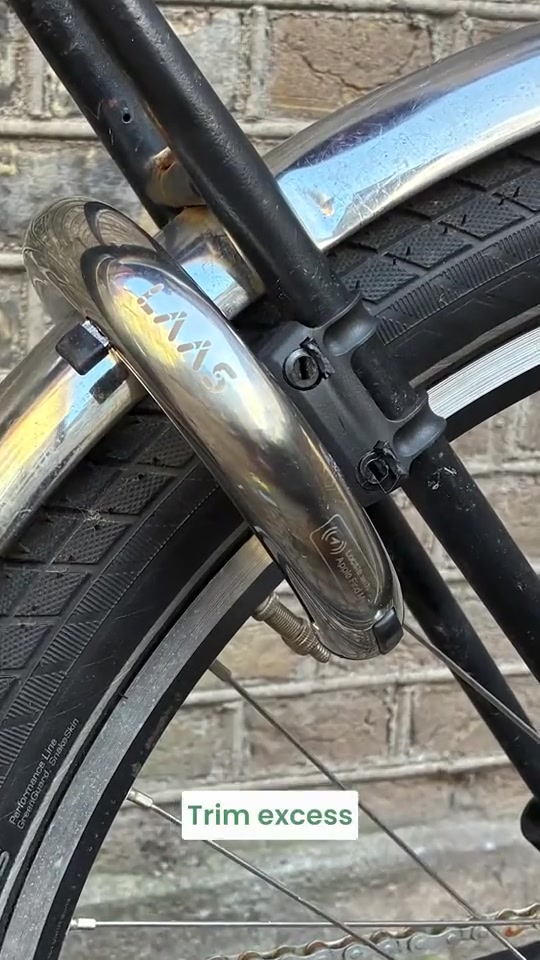
  5. Trim the excess clamp strip with pliers or a knife.

You need Flex Mount, a 4 mm hex key, a flathead screwdriver and pliers or a knife to trim the strips.

05

Lock and unlock

Watch: Lock and unlock
  1. Lift and rotate the handle until it clicks. The locking bar closes through the wheel.
  2. To unlock, stand beside the bike, open LAAS and tap Unlock.
  3. Check that the locking bar is fully open before riding.

If a spoke is in the way, move the wheel. Do not force the mechanism.

06

Share access

Watch: Share access
  1. Open the lock’s sharing controls in the LAAS app.
  2. Choose Owner or Guest access and add a note to identify the invitation.
  3. Send the invitation link in a message.
  4. The recipient opens the link and accepts it in LAAS. They do not have to create an account.

Guest: can unlock. Owner: can also manage access. Revoke an unused invitation or remove a person from the access list.

07

Battery and charging

Watch: Battery and charging
  1. Lift the rubber cover over the USB-C port.
  2. Connect a USB-C charger, laptop or power bank. A phone can also supply power if it supports USB-C power output.
  3. The LED lights up while charging and switches off when the battery is full.
  4. Unplug the cable and close the rubber cover.

Do not charge below 2°C. Wait for the LED to switch off; the app battery display can be inaccurate while charging. Roughly six months between charges with normal use.

08

Troubleshooting

  1. Press the button. No light? Plug it in and charge it. The battery may be empty.
  2. Check that nothing is blocking the lock, such as a wheel spoke.
  3. If it still won’t open, contact LAAS Support.

Do not force the mechanism. If these checks do not help, contact LAAS Support: +45 31 33 82 13 · support@laaslocks.com.

Call LAAS Support ↗