AppleFind My.
To use an iPad, you’ll need iPadOS 14.5 or later and an Apple Account. Apple’s setup requirements ↗
Press three times.
Press the button on the side of your lock three times.
 Enlarge ↗
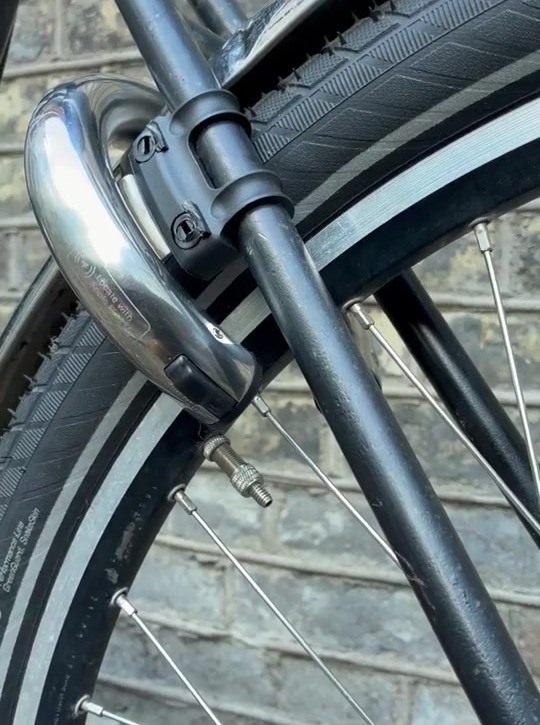
Look for the blinking light.
The LED blinks. Pairing mode stays active for ten minutes.
The blinking LED on your lock. Open Apple Find My.
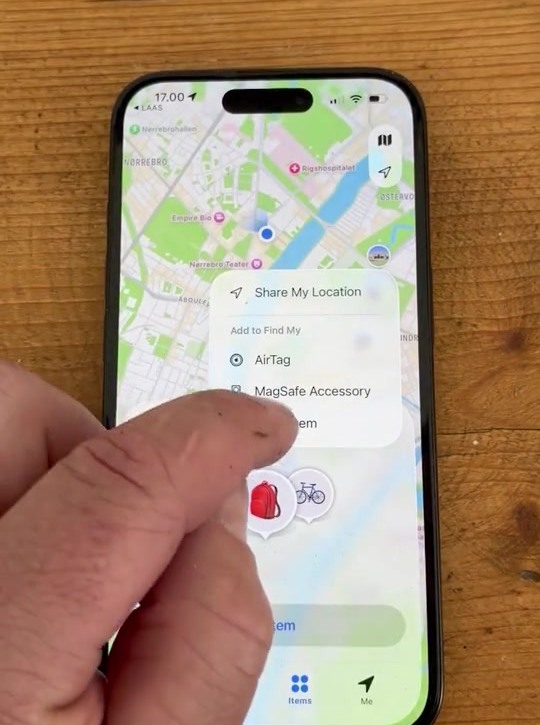
On your iPhone or iPad, open Find My. Go to Items, tap +, then Add Other Item.
 Enlarge ↗
Connect your lock.
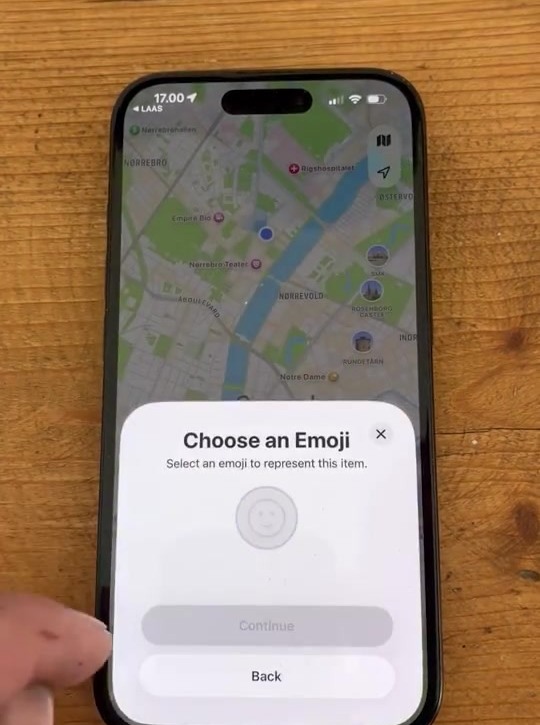
Select Ring-Lock when it appears, tap Connect, then follow the steps to name it.
 Enlarge ↗
You’re set.
Your Ring-Lock is now in Apple Find My. Open Items and select it to see your bike on the map.
Back to everyday guides →