Pair your lock
and phone.
Before you mount it.


Add your lock.
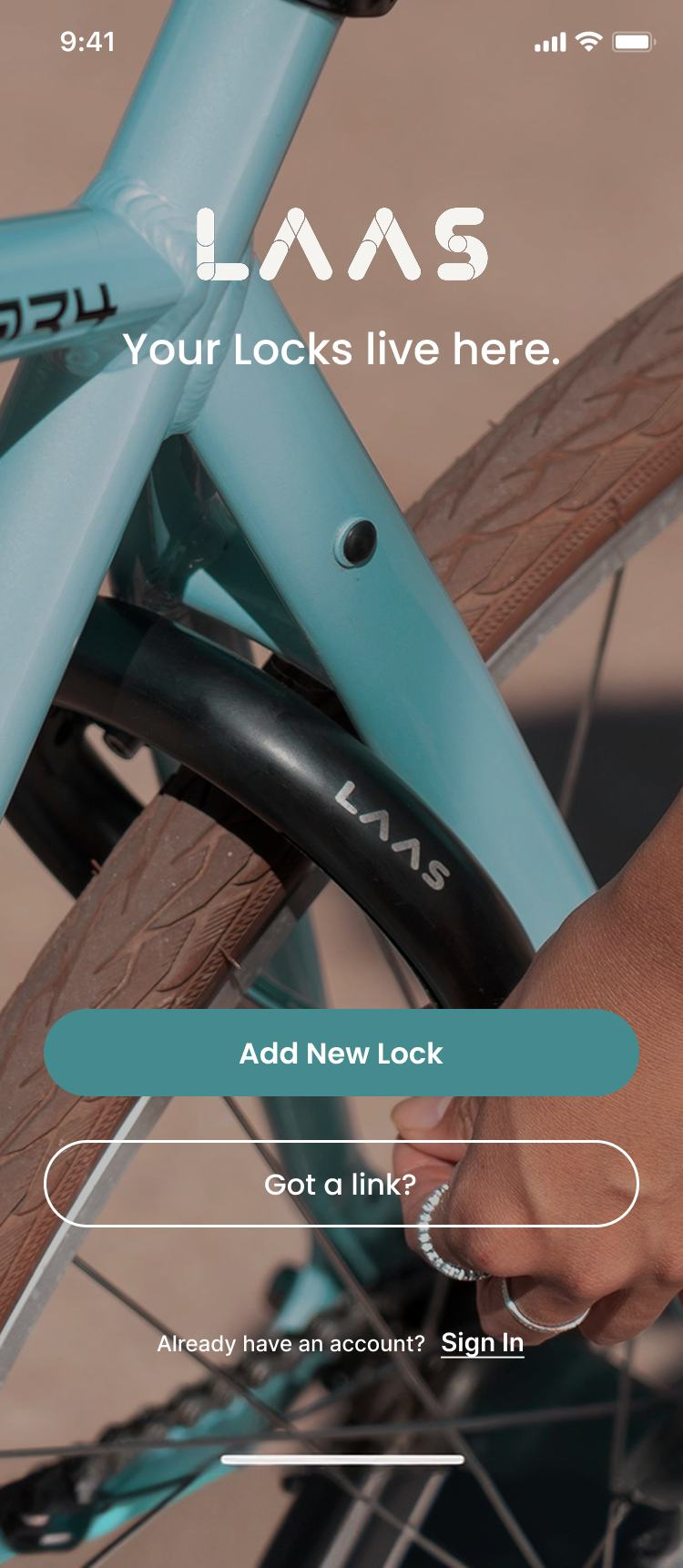
Add New Lock.
Open LAAS and tap Add New Lock on the welcome screen. Allow Bluetooth access when your phone asks.
 Enlarge ↗
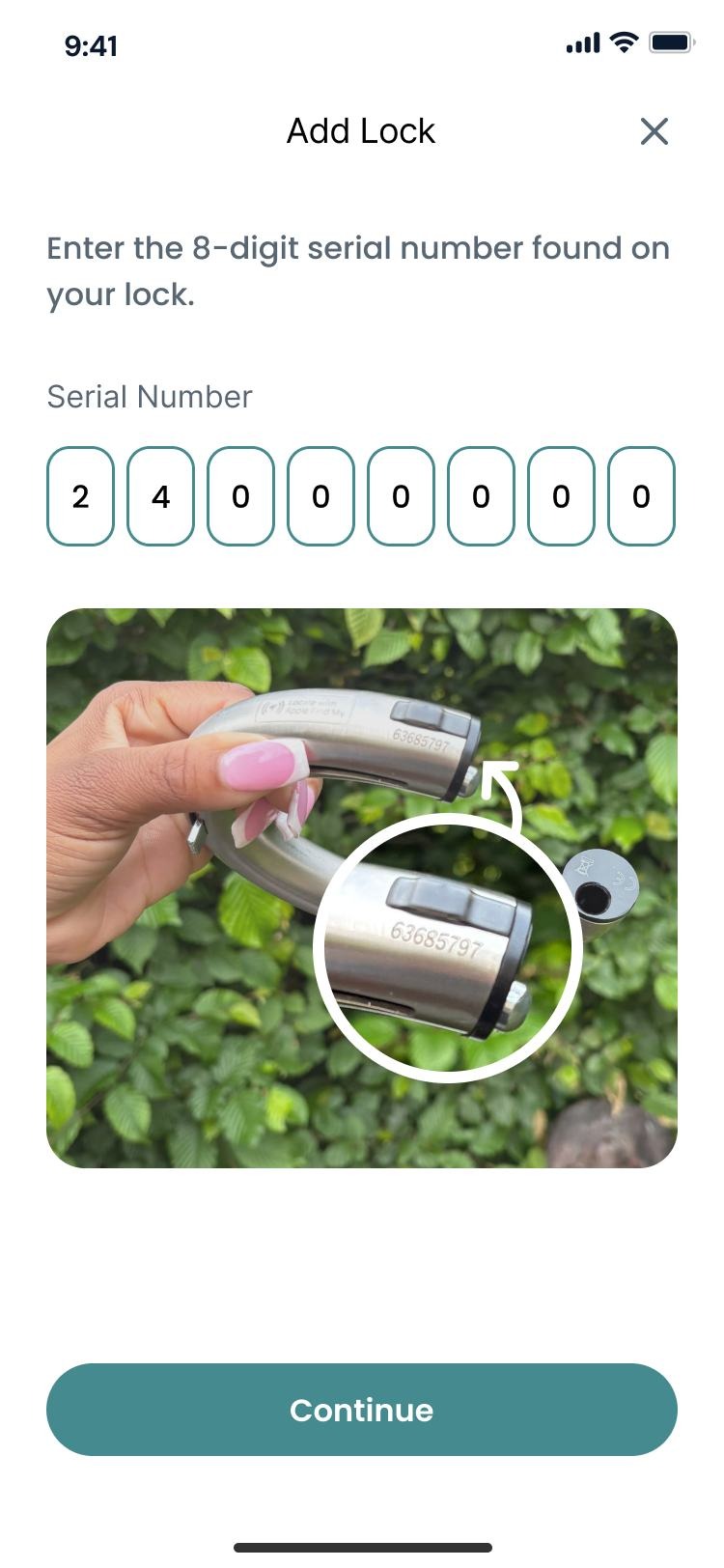
Enter the serial number.
Stand beside your lock and enter the 8-digit serial number printed on it.
 Enlarge ↗
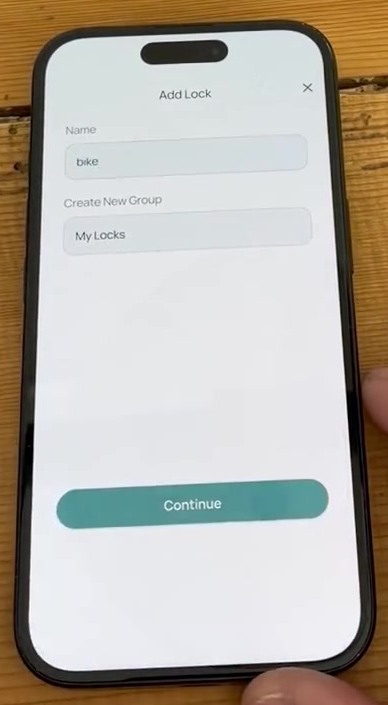
Name your lock.
Give your lock a name, then tap Continue.
 Enlarge ↗
Mount your lock.
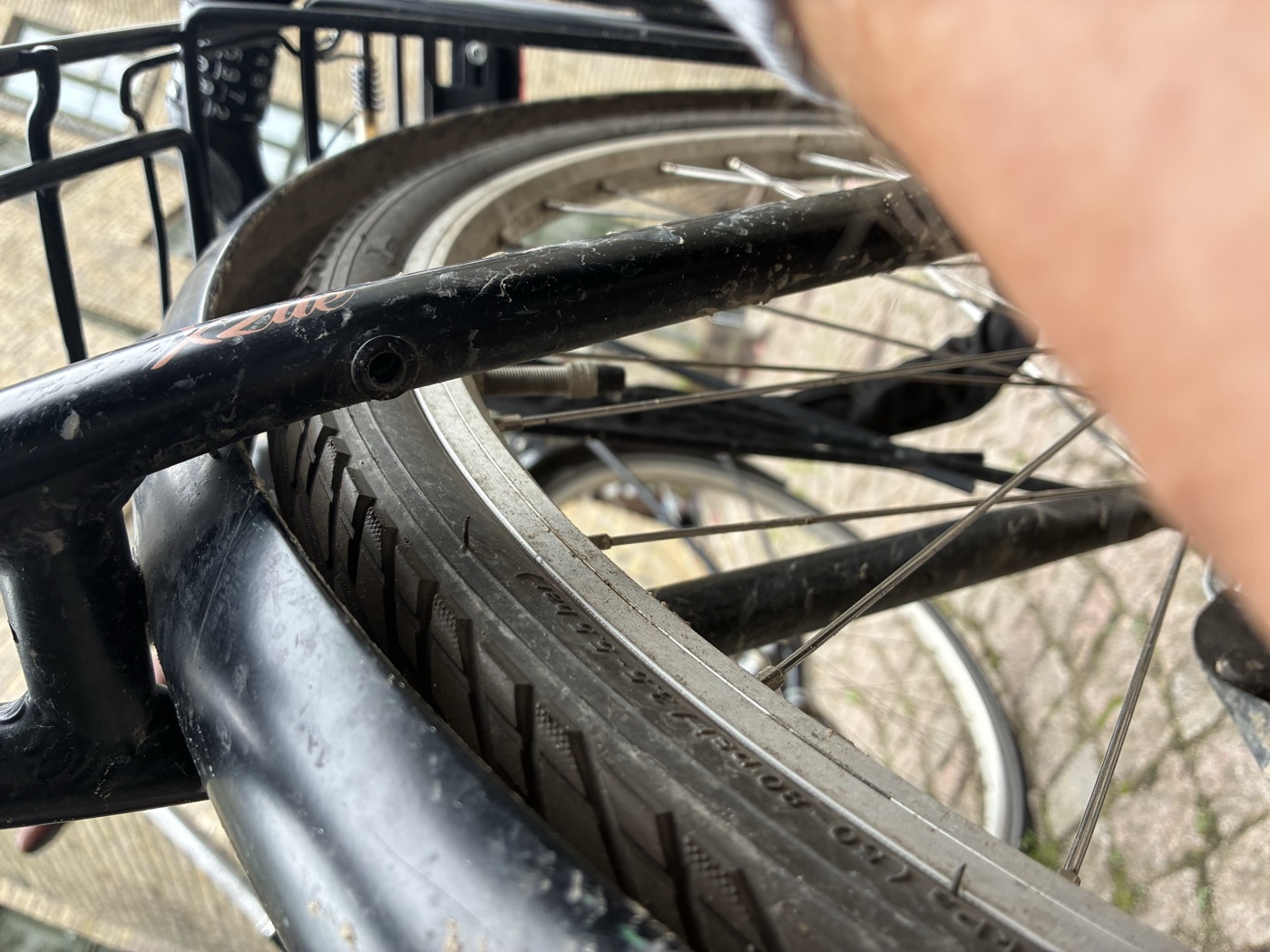
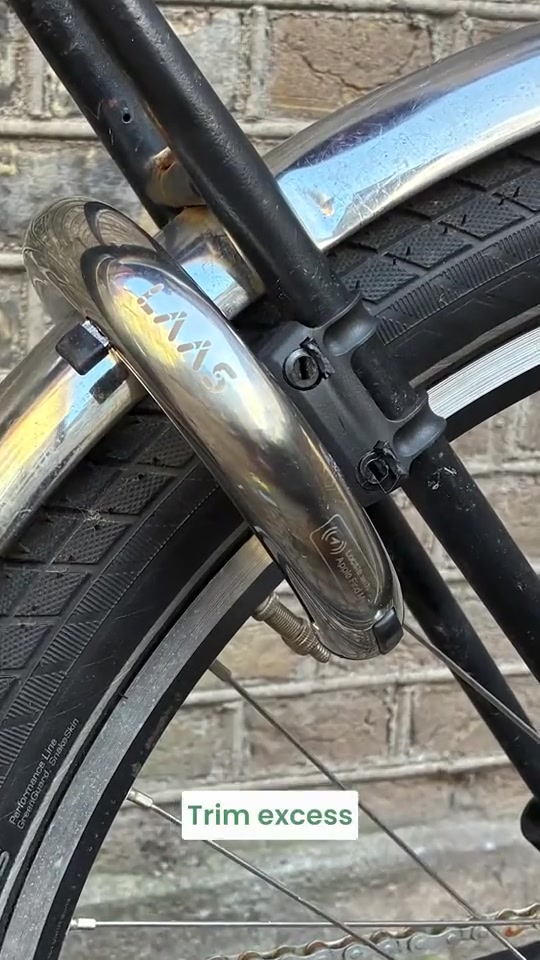
Does your bike have mounting holes? Look near the rear wheel.